

Creem Registration Guide for Global Payments
Accept international payments in 20 minutes without a passport, Hong Kong bank card, or overseas company, and receive payouts directly through Alipay. This guide covers the simple Creem registration process, which only requires a Chinese ID card and Alipay.
Updated August 15, 2026: I now recommend Waffo for global payments. It supports indie developers in mainland China and is simpler to register for and use.
MkSaaS and TanStarter both support Waffo payments. See their documentation for integration tutorials.
Many international payment platforms do not support registration by individual developers in mainland China. For example, while it is possible to register a personal Stripe account with a passport and a Hong Kong bank card, it is not an official path and carries the risk of account suspension. As a result, many developers choose to incorporate overseas before registering a Stripe business account. Lemon Squeezy previously accepted mainland Chinese individual developers, but after Stripe acquired it, applications appear to receive little attention and posts about Lemon bugs frequently appear on X.
Recently, the international payment platform Creem announced support for individual developers in mainland China. The registration process is smooth: no passport, Hong Kong bank card, or company registration is required, and international payouts can go directly to Alipay.
If you are not familiar with Creem, think of it as an alternative to Lemon Squeezy. It has some advantages in fees and features; for example, the first $1,000 you earn is fee-free.
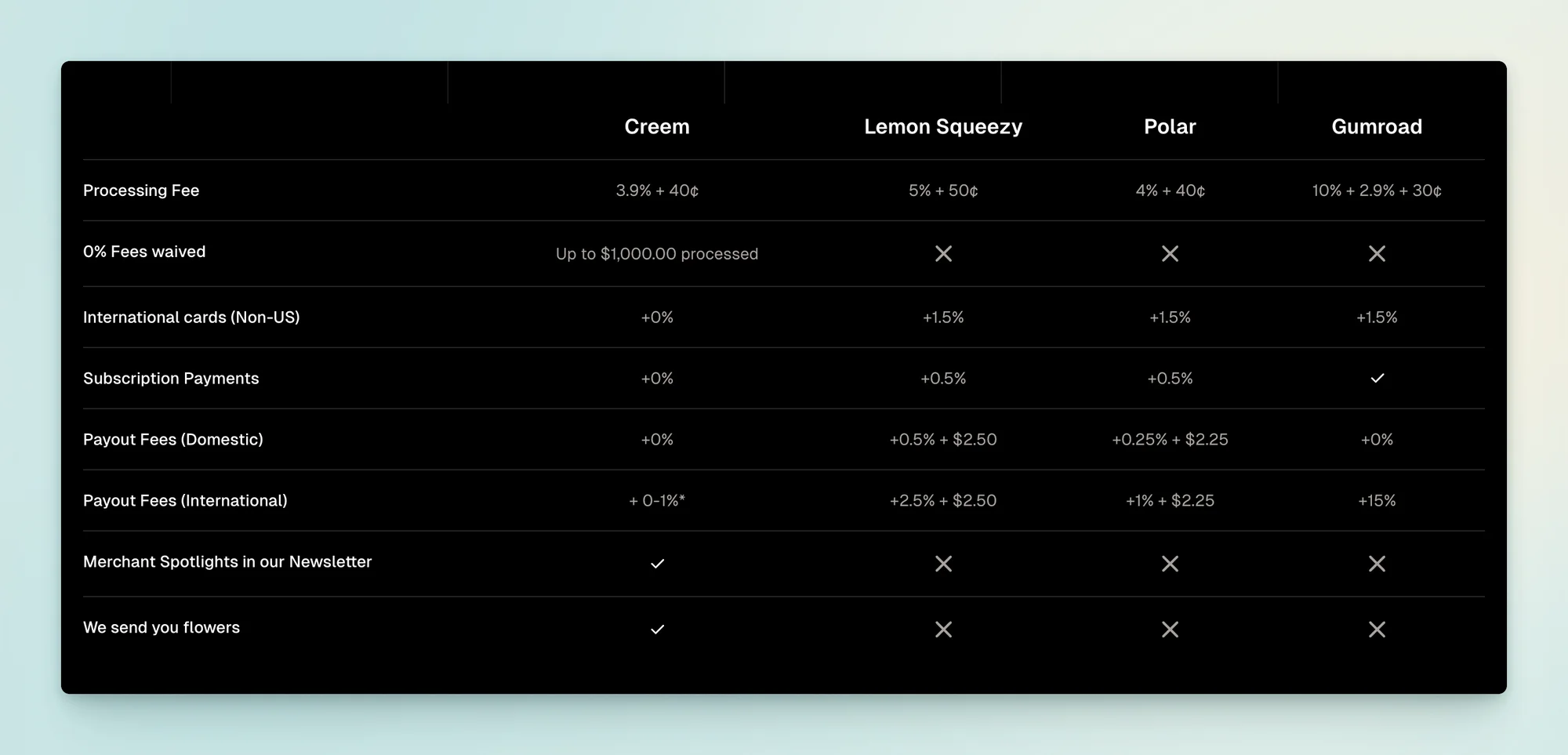
To learn more, visit the Creem website. This article focuses on registration, which takes about 20 minutes and only requires a Chinese ID card and Alipay.
1. Register an Account and Create a Product
This step is straightforward. After registering an account, create a product and enter its details.
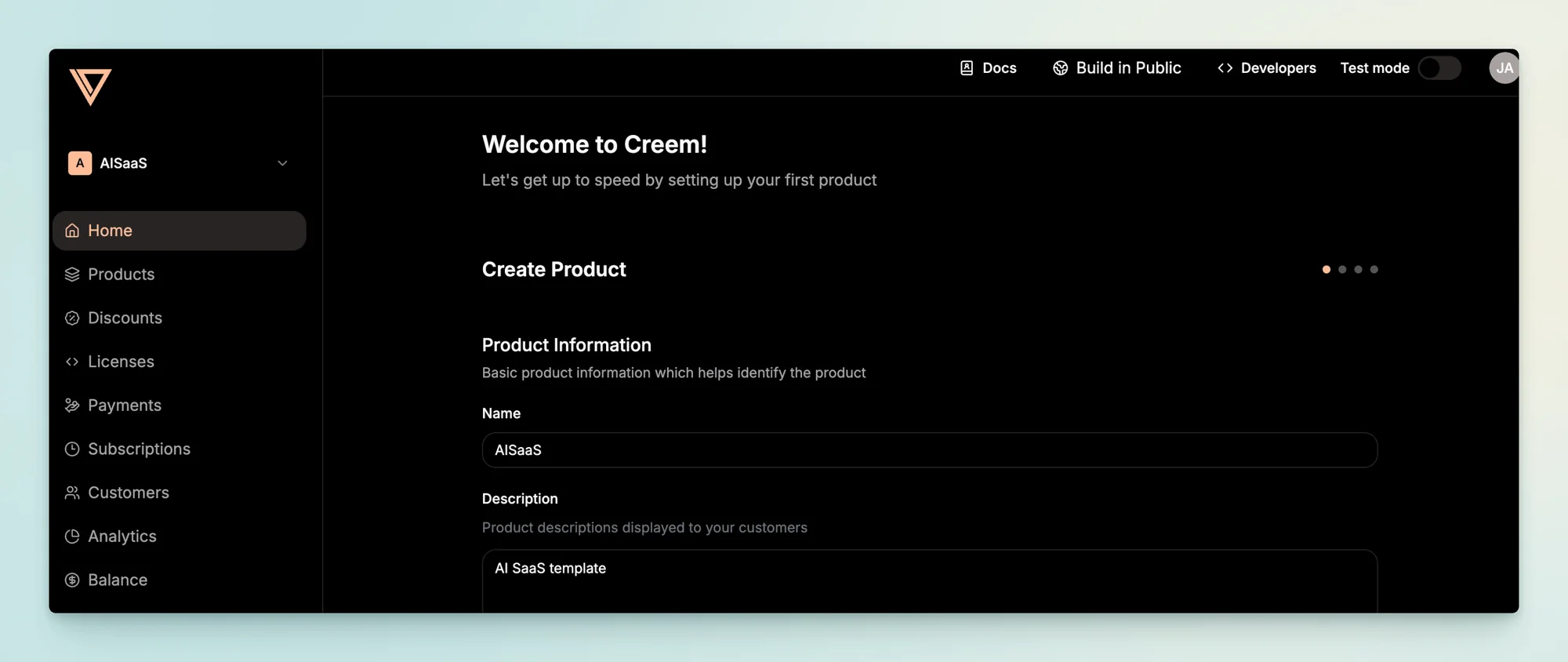
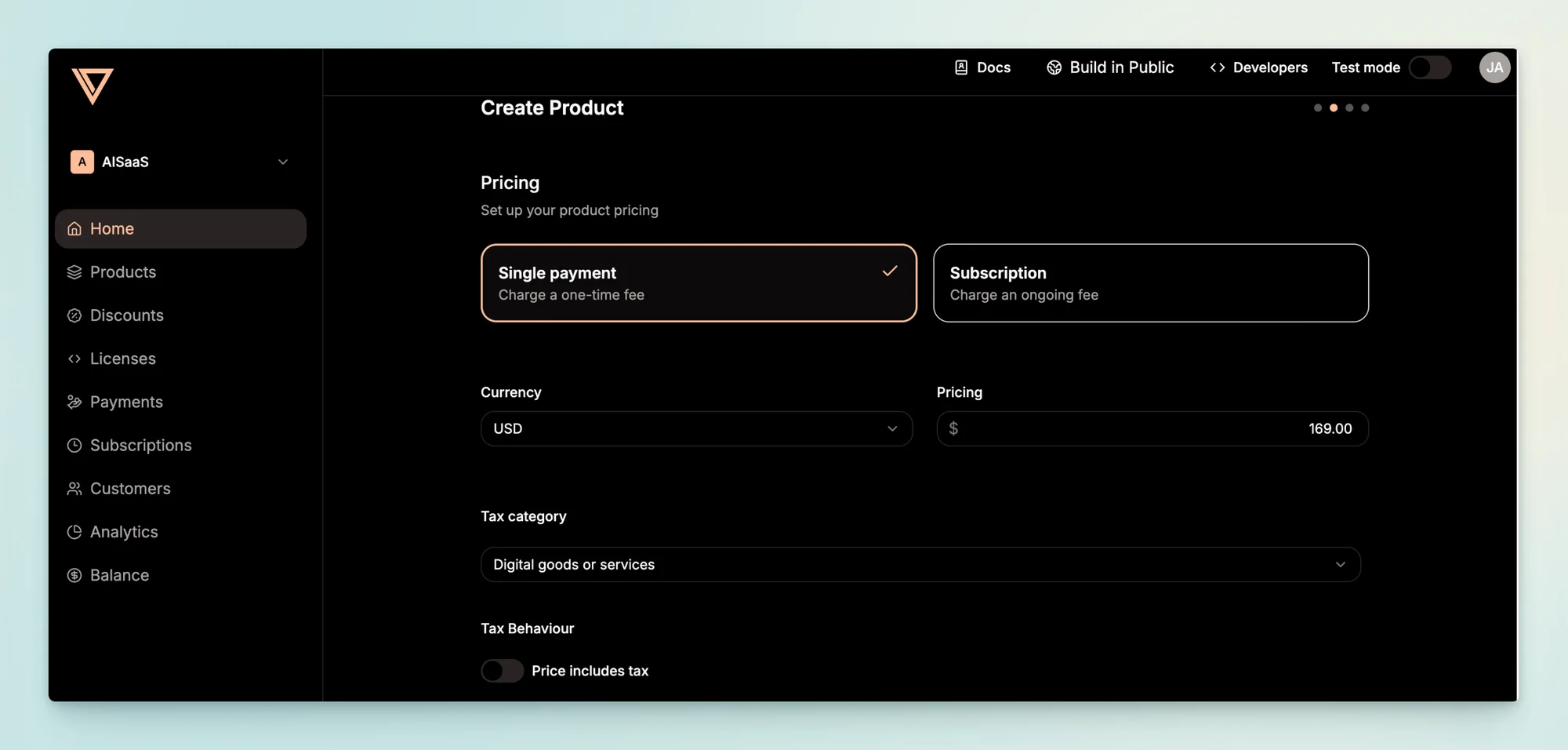
2. Set Up Payouts
2.1 Create a Payout Account
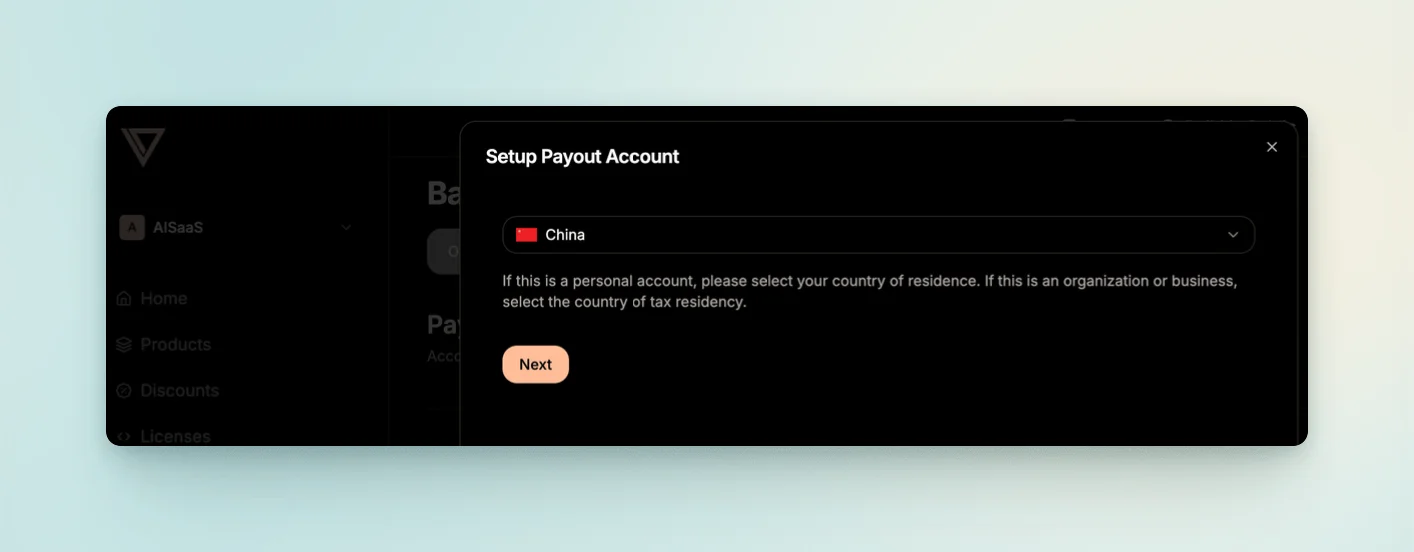
Under Balance > Payout Account, create a new account and select China as the country.
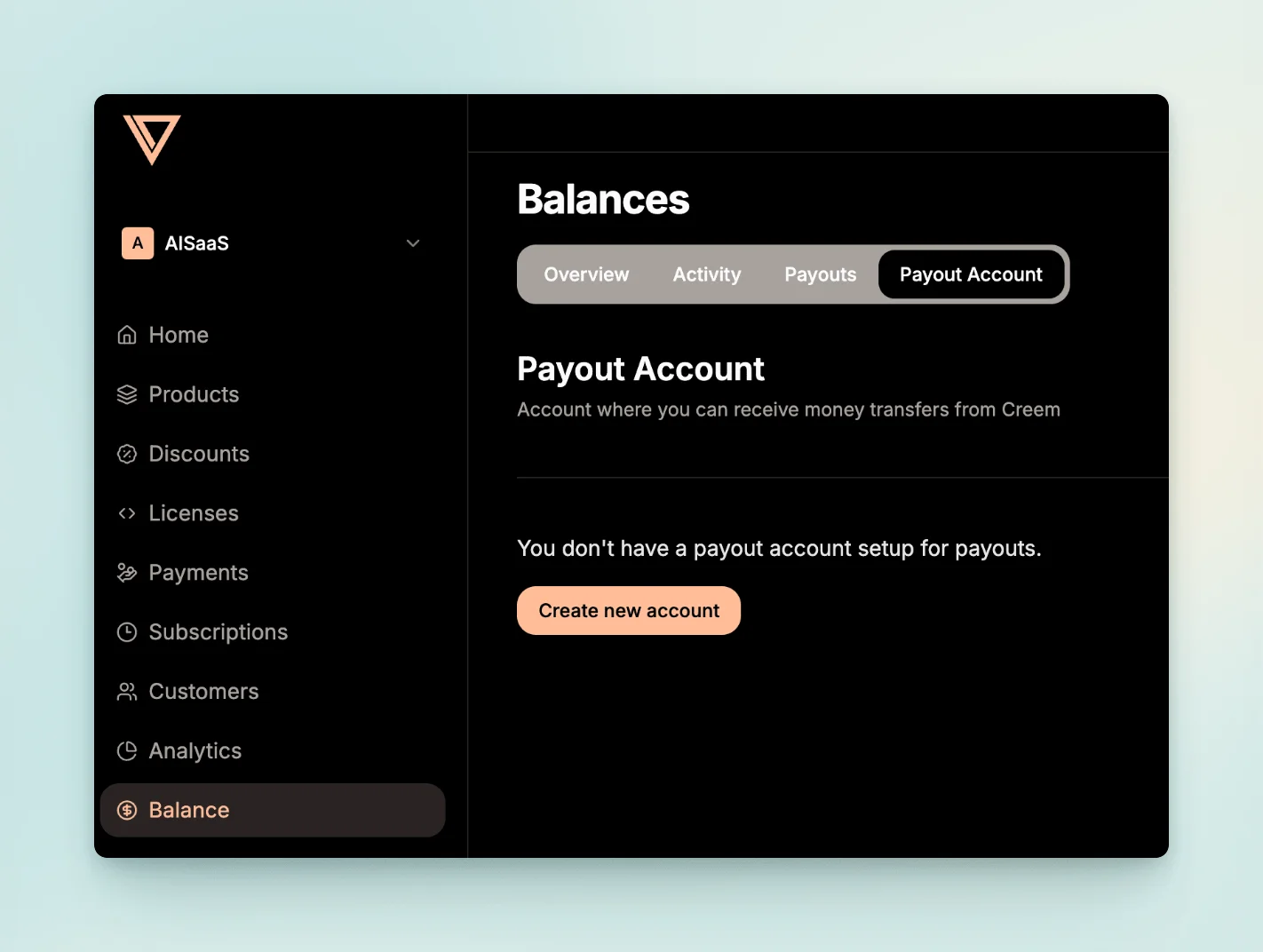
2.2 Enter Business Details
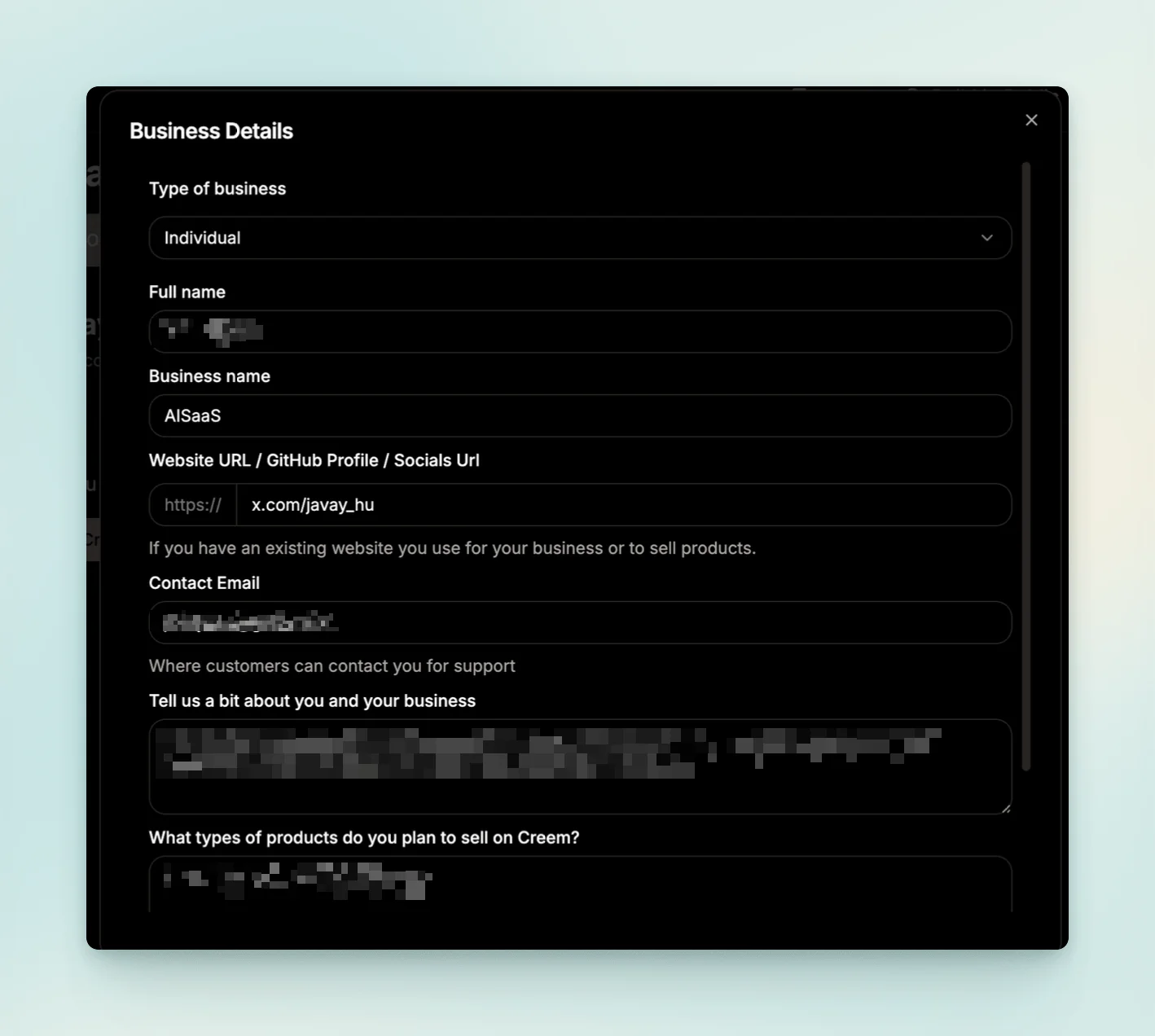
Enter your basic information and describe what your product does.
2.3 Complete Your Personal Information
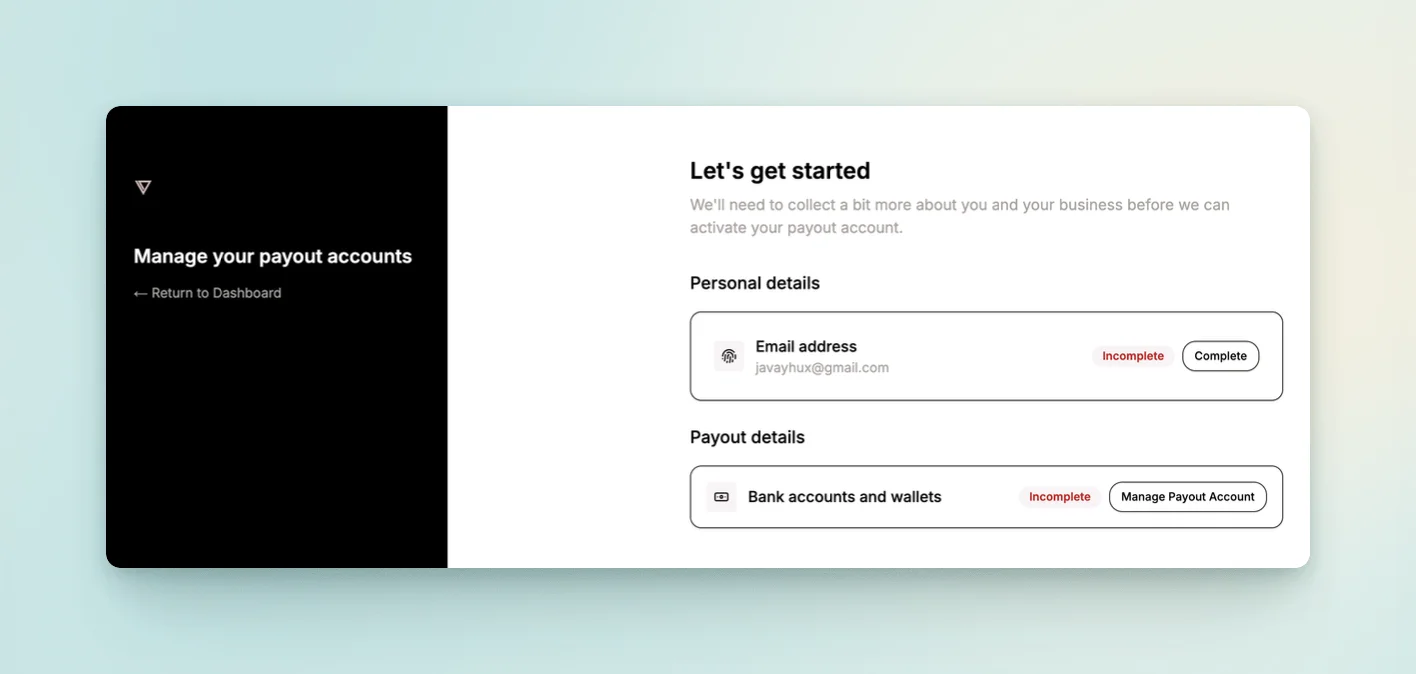
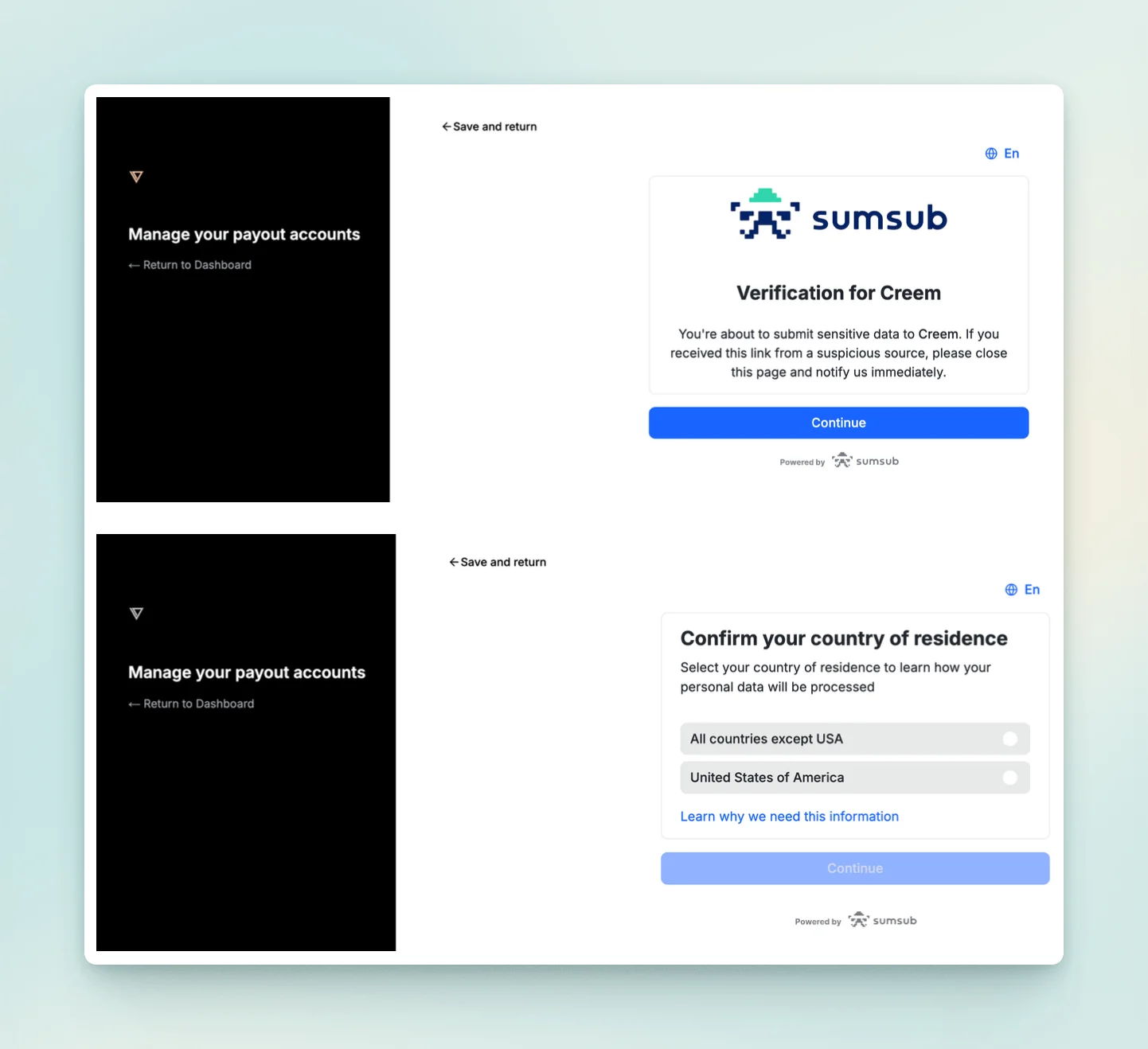
Follow the steps below to complete your personal information: upload the front and back of your mainland Chinese ID card, then take a photo with your computer camera. Your information will ultimately be saved in Sumsub ID.
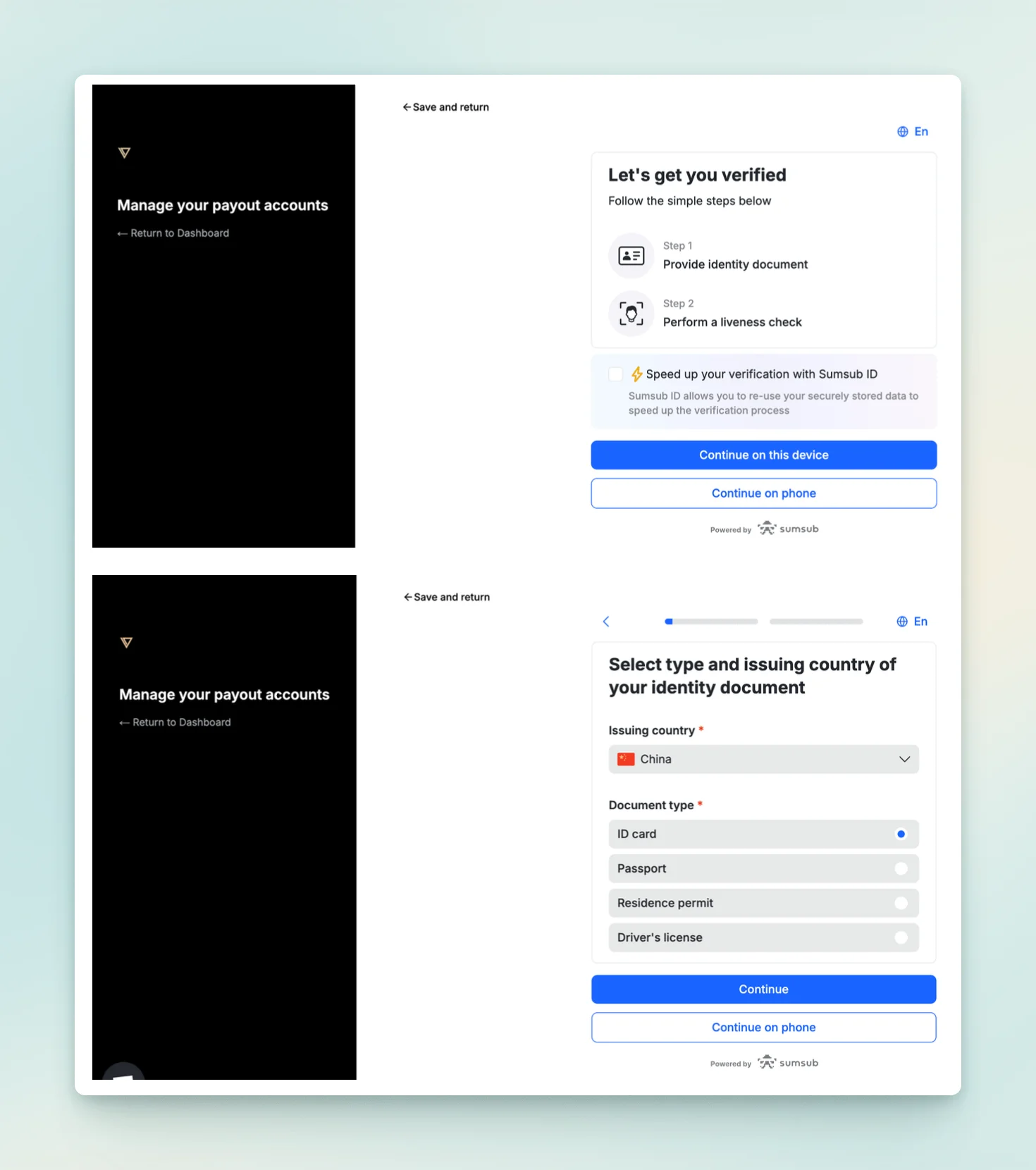
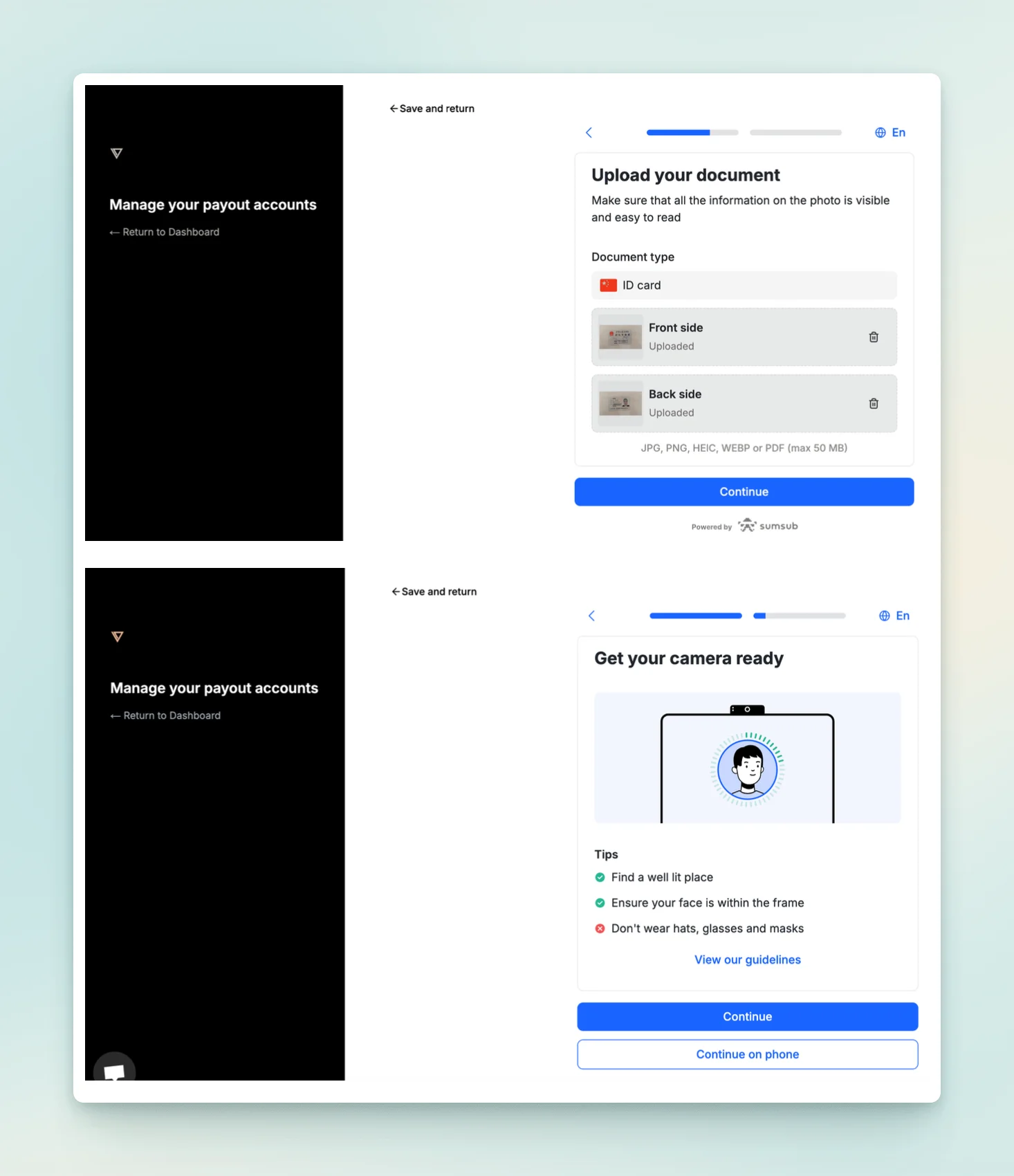
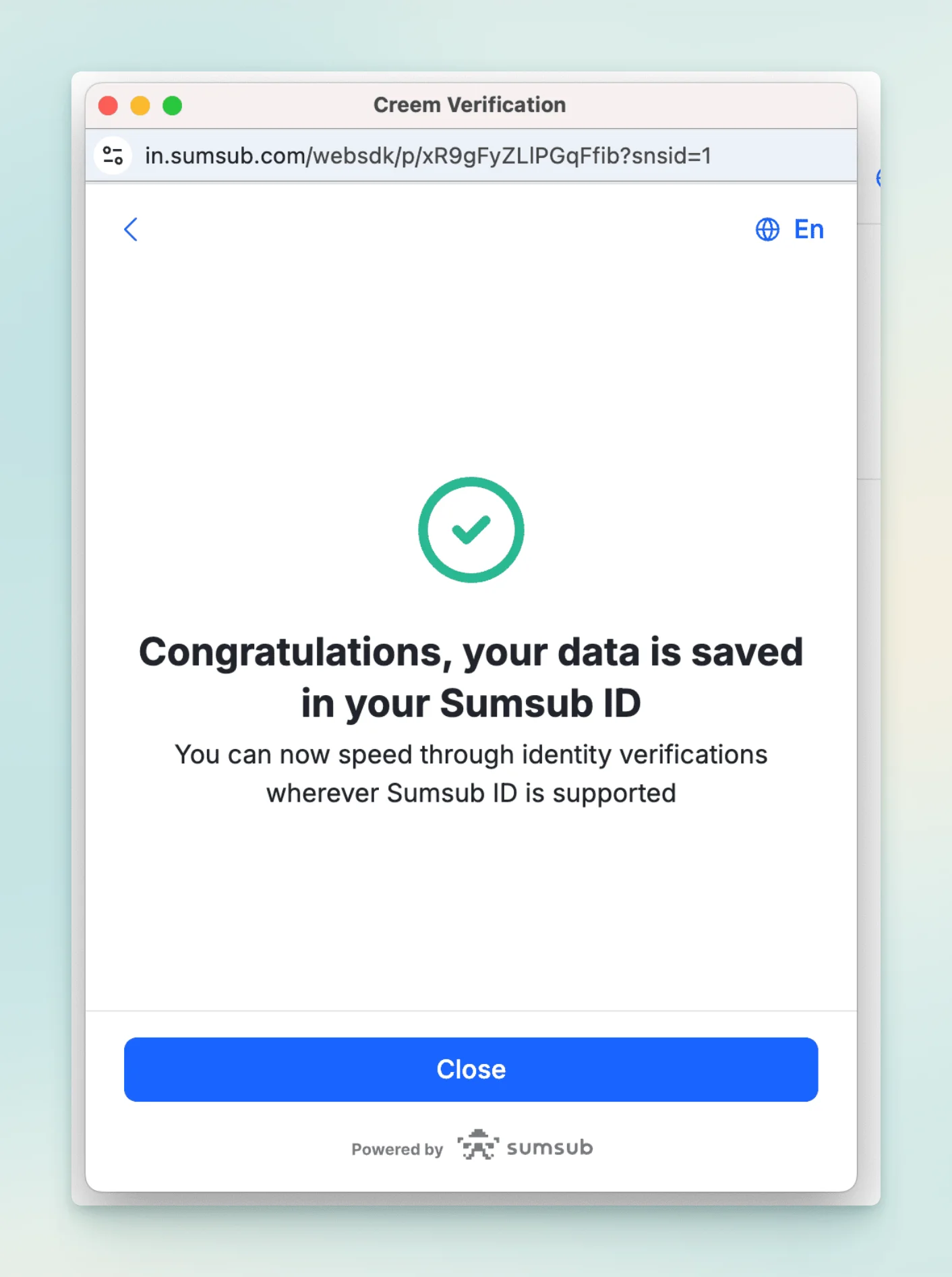
2.4 Complete Payout Details
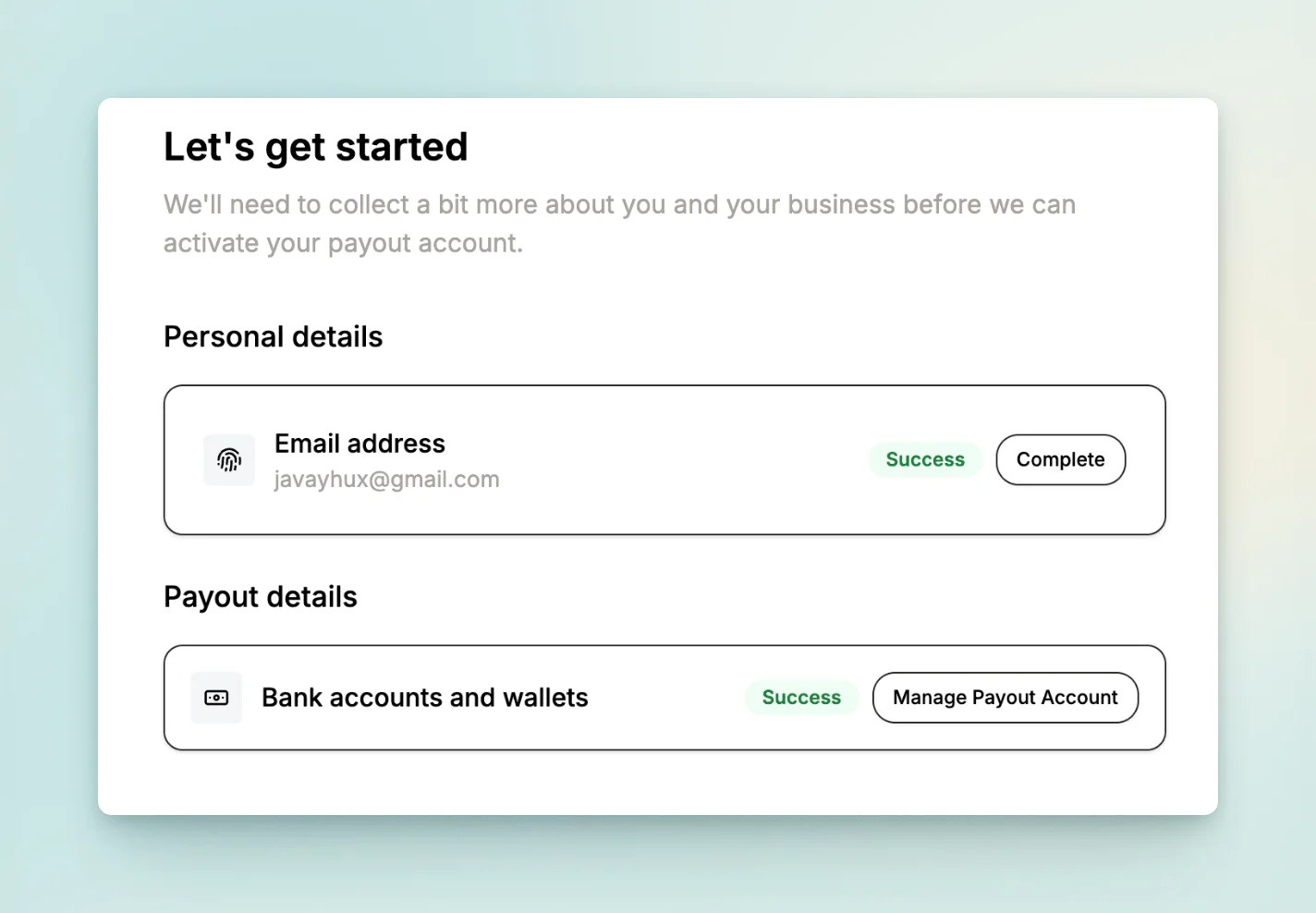
Click Manage Payout Account under Payout Details to complete your payout information.
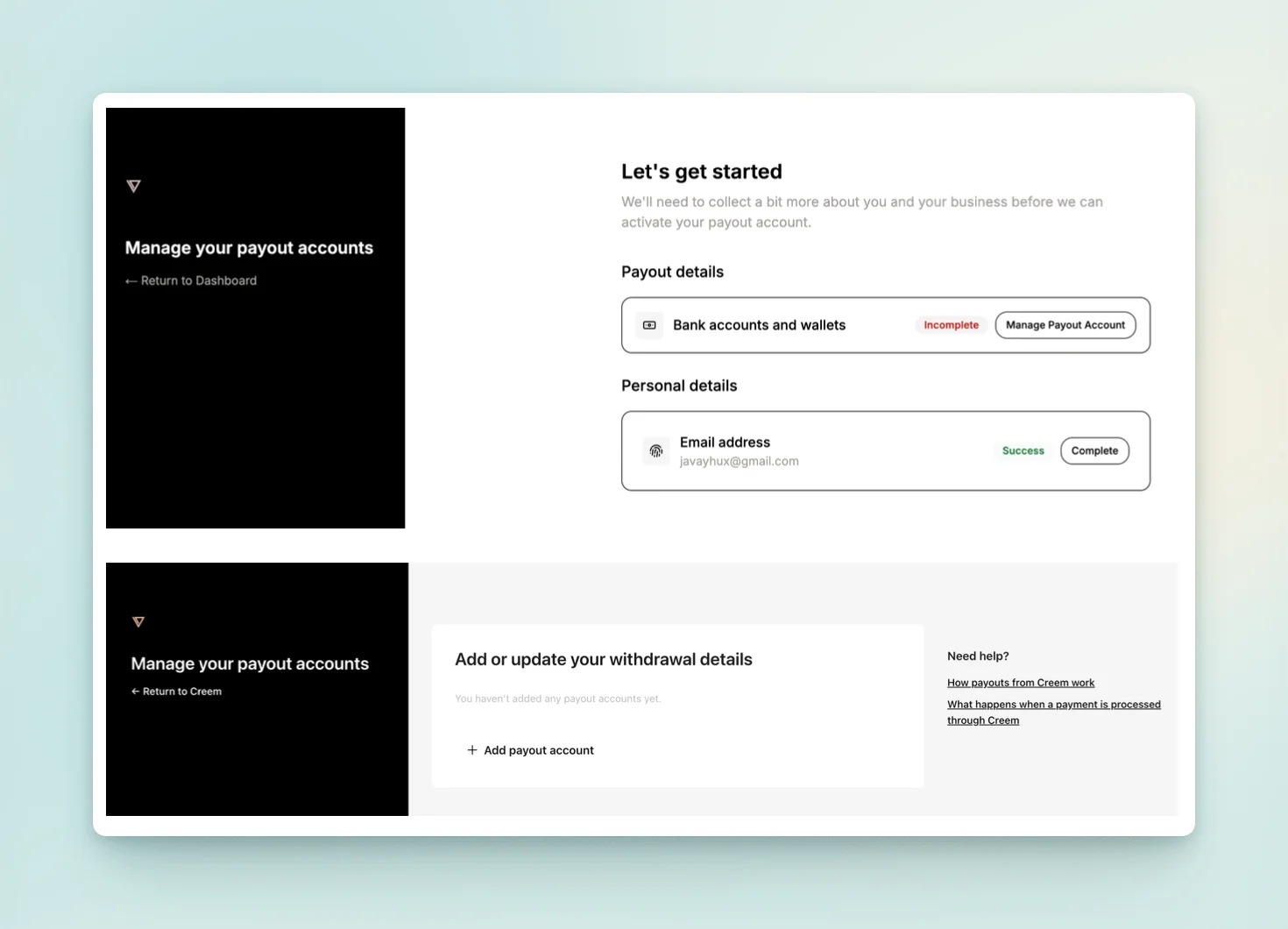
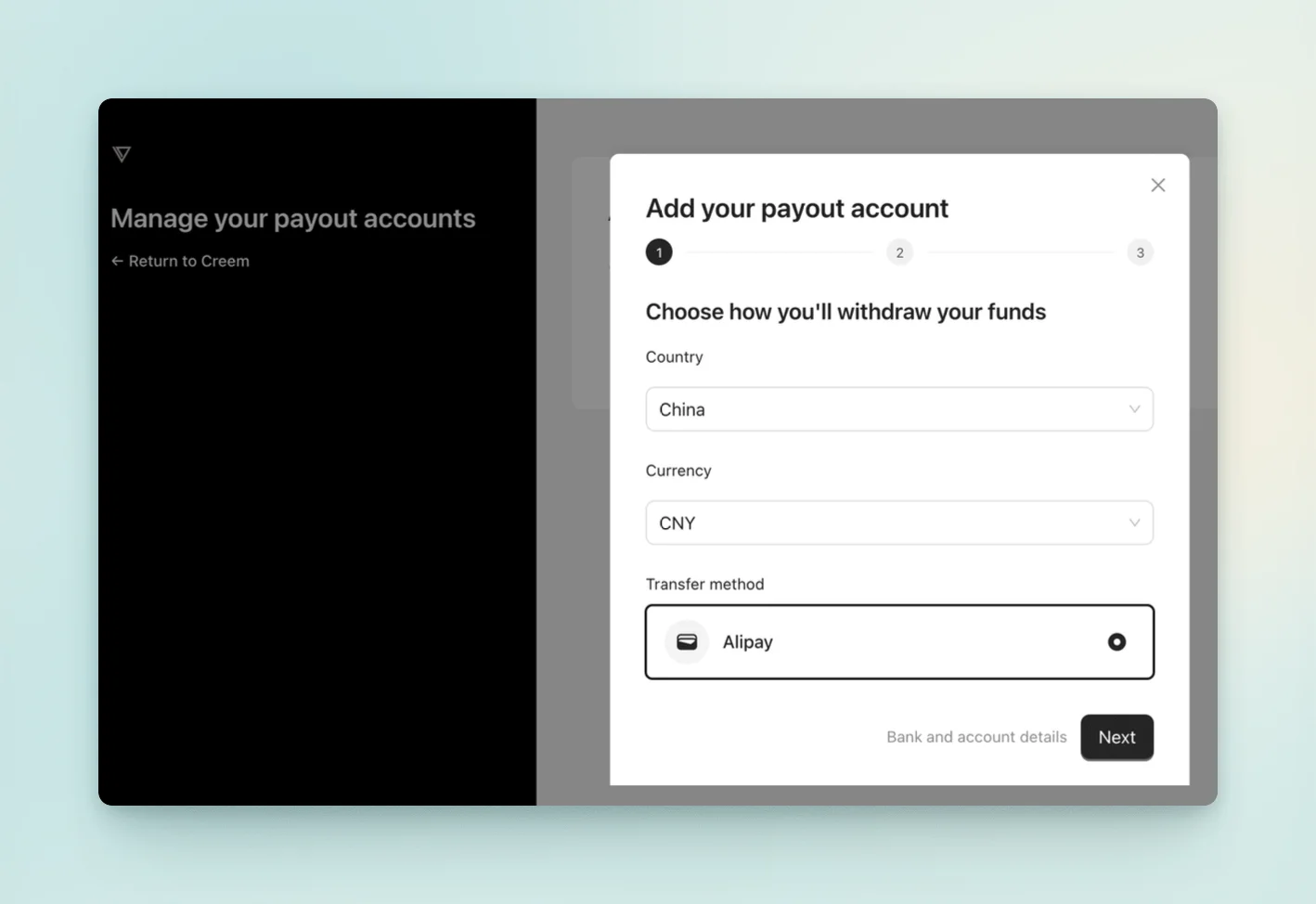
Set the payout account country to China, select CNY as the currency, and choose Alipay as the transfer method.
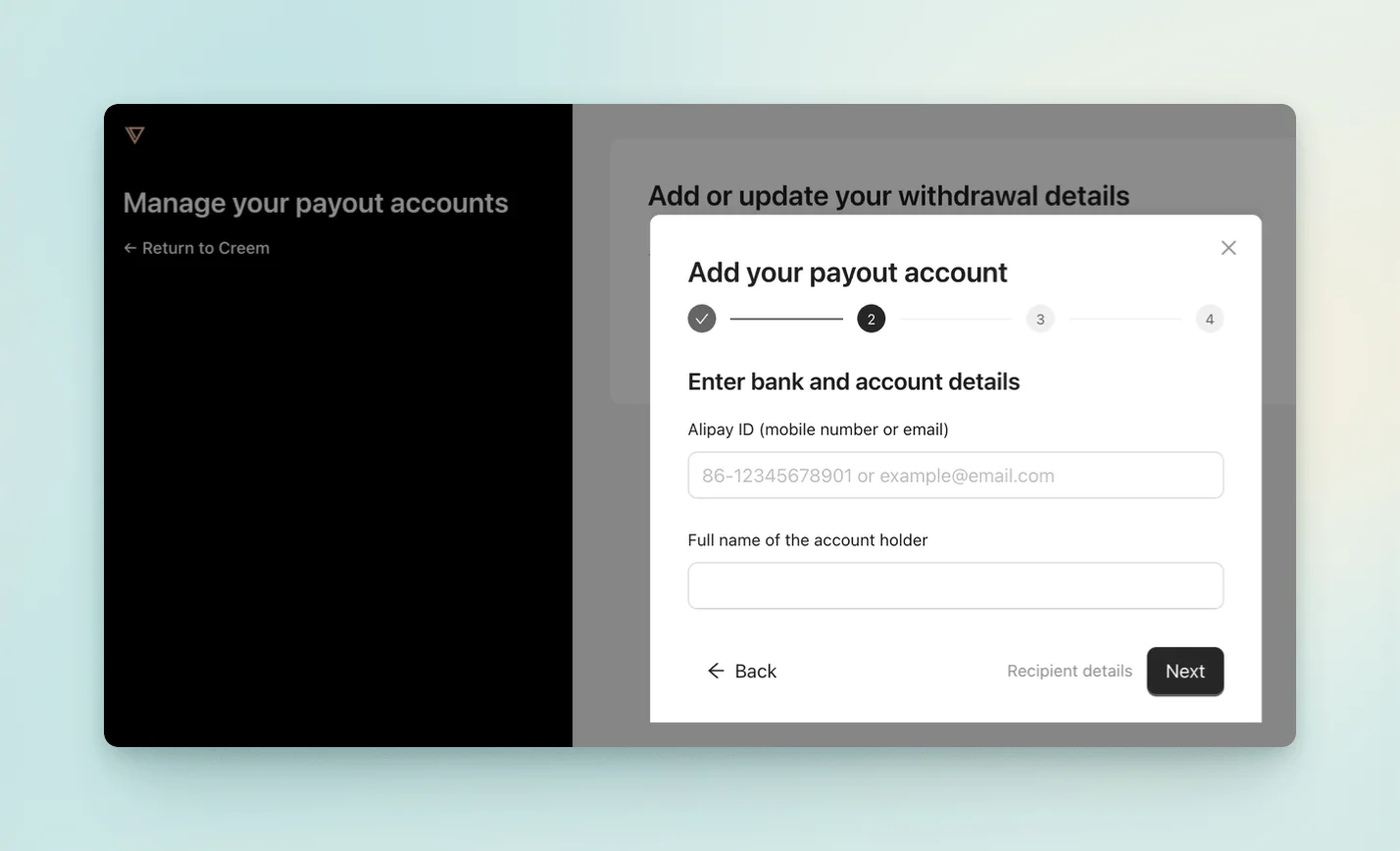
Then enter your Alipay account, email address, and full legal name in Chinese.
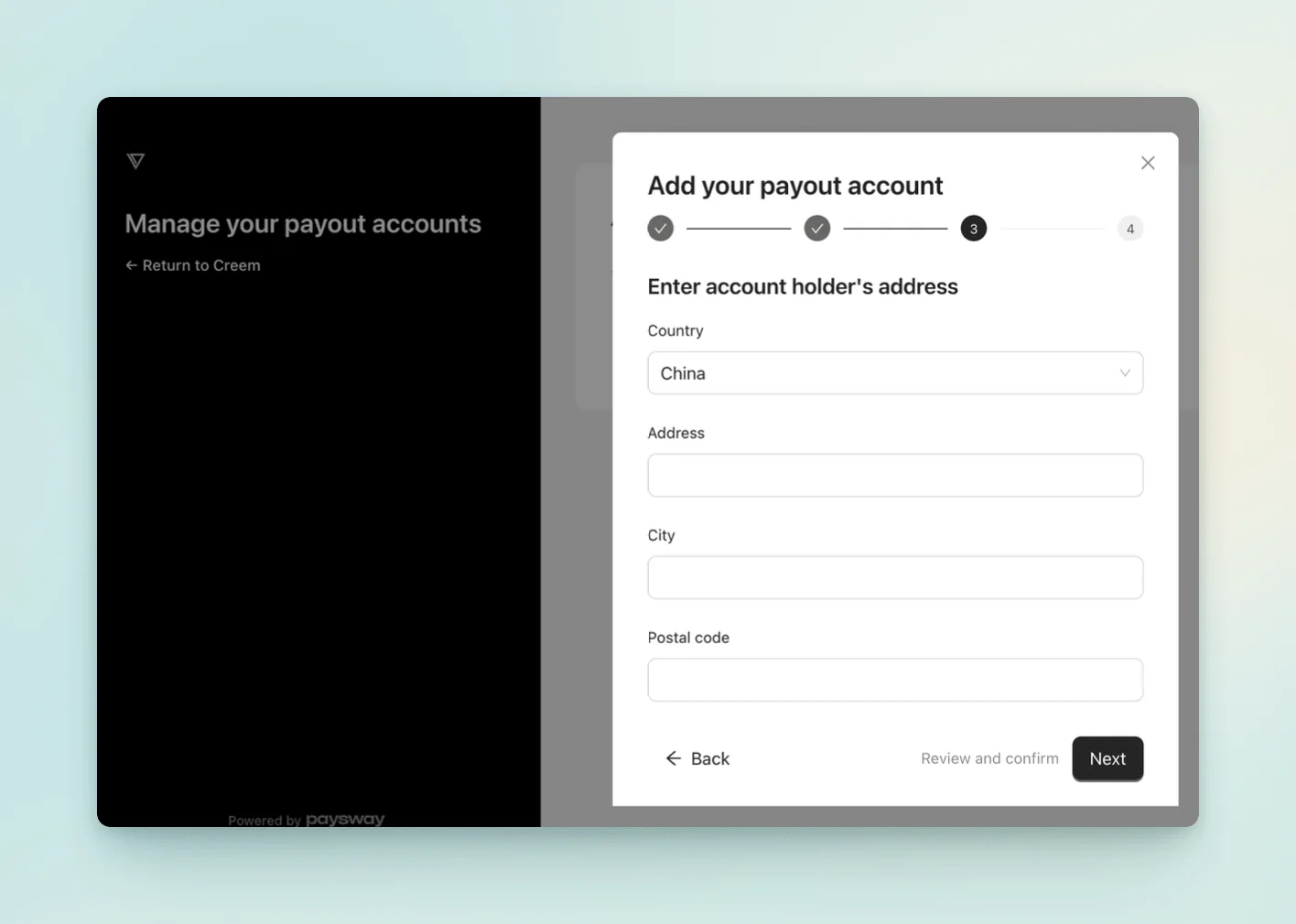
Finally, enter your home address accurately.
After submitting, your personal information and payout details will be complete.
2.5 Wait for Review
The final step is to wait for review. It can take as little as half a day to one day.
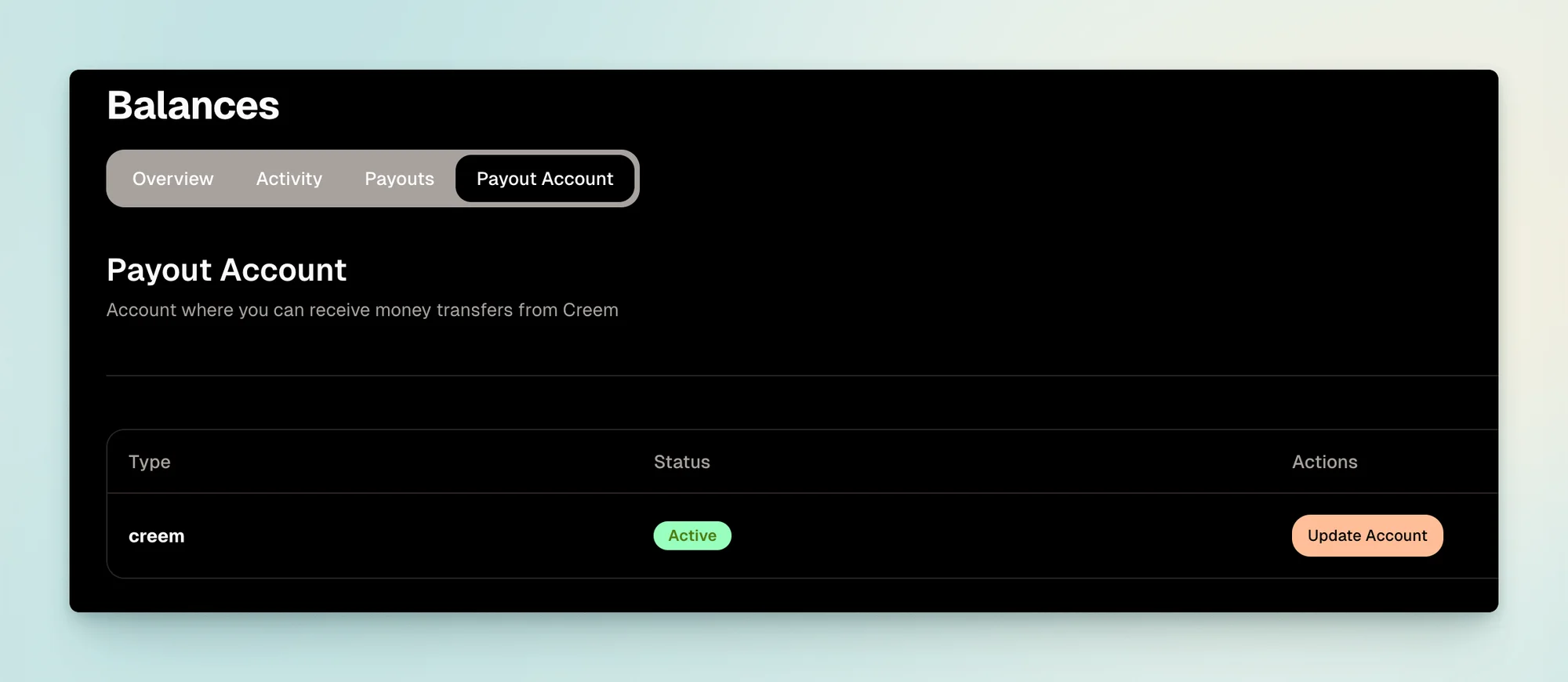
At this point, your Creem account and product registration are complete. You can then follow the documentation to integrate it. Its integration process is much simpler than Stripe's, so I will not cover it in detail here; interested readers can try it themselves.
Although I have not yet used it in a production project, I exchanged emails with the developers and confirmed that mainland China is supported.